Customizable Dashboard
Drag-and-drop widgets, per-user layouts, and a new widget library.
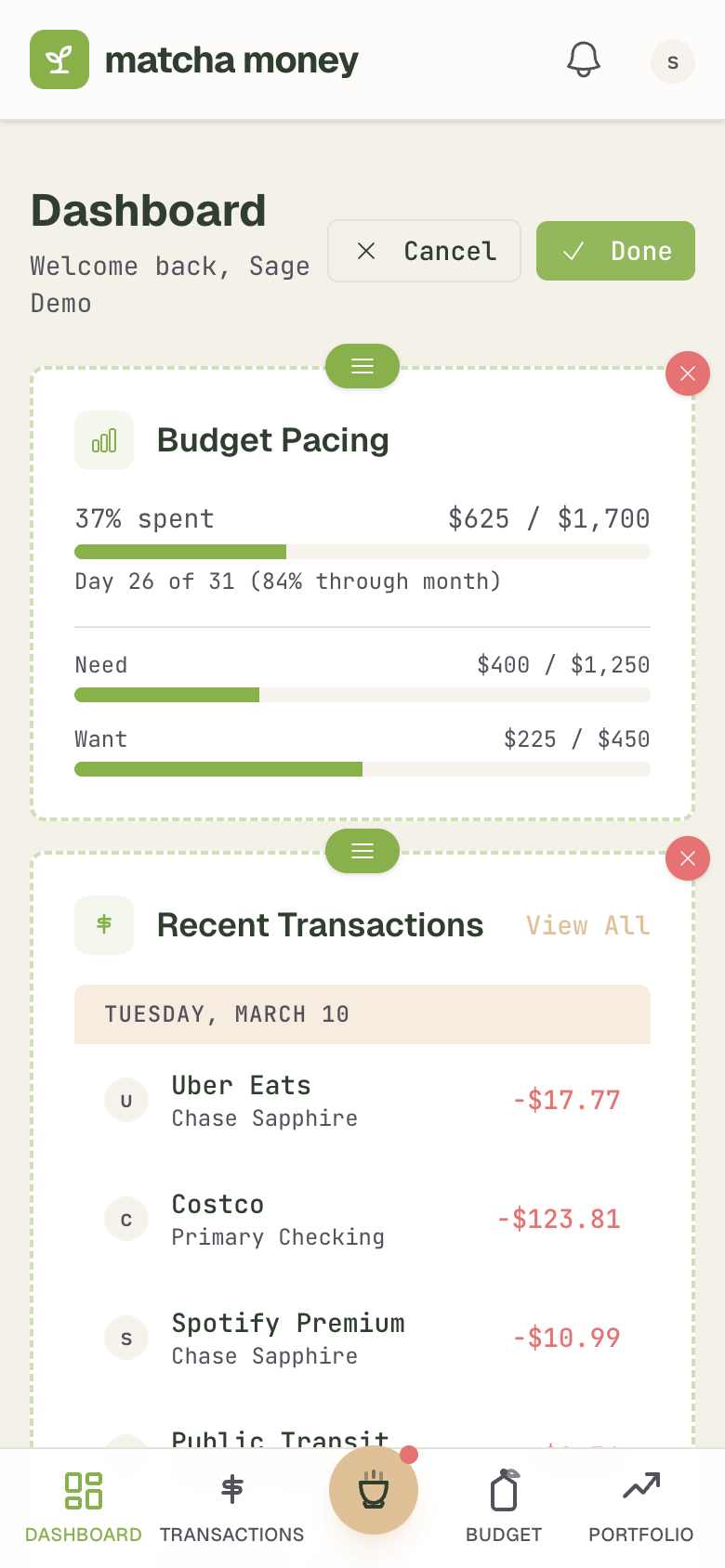
The dashboard is the first thing you see when you open matcha money — and now you can make it yours.
Widget library
Choose from a growing set of widgets:
- Spending breakdown — where your money is going this month
- Goal progress — visual bars for each savings goal
- Net worth trend — your total financial picture over time
- Budget health — categories at a glance with over/under indicators
- Recent transactions — quick view of what just came in
- Recurring bills — what's coming up next
- And more as we build them
Drag and drop
Enter edit mode and rearrange widgets however you like. Drag to reorder, resize to fit your screen. The grid is responsive — it adapts from a single column on mobile to a multi-column layout on desktop.
Per-user layouts
Each family member gets their own layout. My view of the dashboard differs from my wife's, which would differ from yours — and that's the point. Your partner can prioritize goal progress while you keep spending front and center. Layouts save automatically.
Side panels
On desktop, clicking a transaction or account now opens a detail panel on the right side of the screen — no more navigating away from your dashboard to see details.
Chris Hsu